
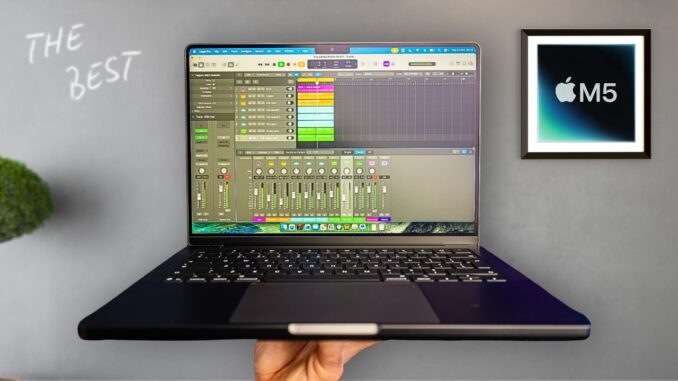

Nearly a year after the M4, Apple quietly shipped another incremental masterpiece: the base model M5 MacBook Pro. On the surface it looks identical to its predecessor, but under the hood the M5 brings meaningful upgrades that make it an obvious move for some buyers and an unnecessary one for others.
This article distills the key changes, who should upgrade, and why the M5 base model remains the best MacBook Pro for most people.

What changed from M4 to M5
The M5 is an iterative upgrade rather than a reinvention. A few headline numbers explain why Apple can call it a proper step forward:
- Graphics: Up to 45 percent faster graphics performance with a new GPU architecture and third-generation ray tracing.
- CPU: Up to 20 percent faster multi-threaded CPU performance.
- Memory bandwidth: 30 percent higher memory bandwidth, rising to 153 GB/s from about 122 GB/s.
- Storage: Faster SSD performance, up to two times quicker for large imports and exports.
- AI: Improved 16-core Neural Engine for better on-device AI.
- Battery and price: Battery life stays the same and there is no price increase—base pricing remains around £1599 / $1599.
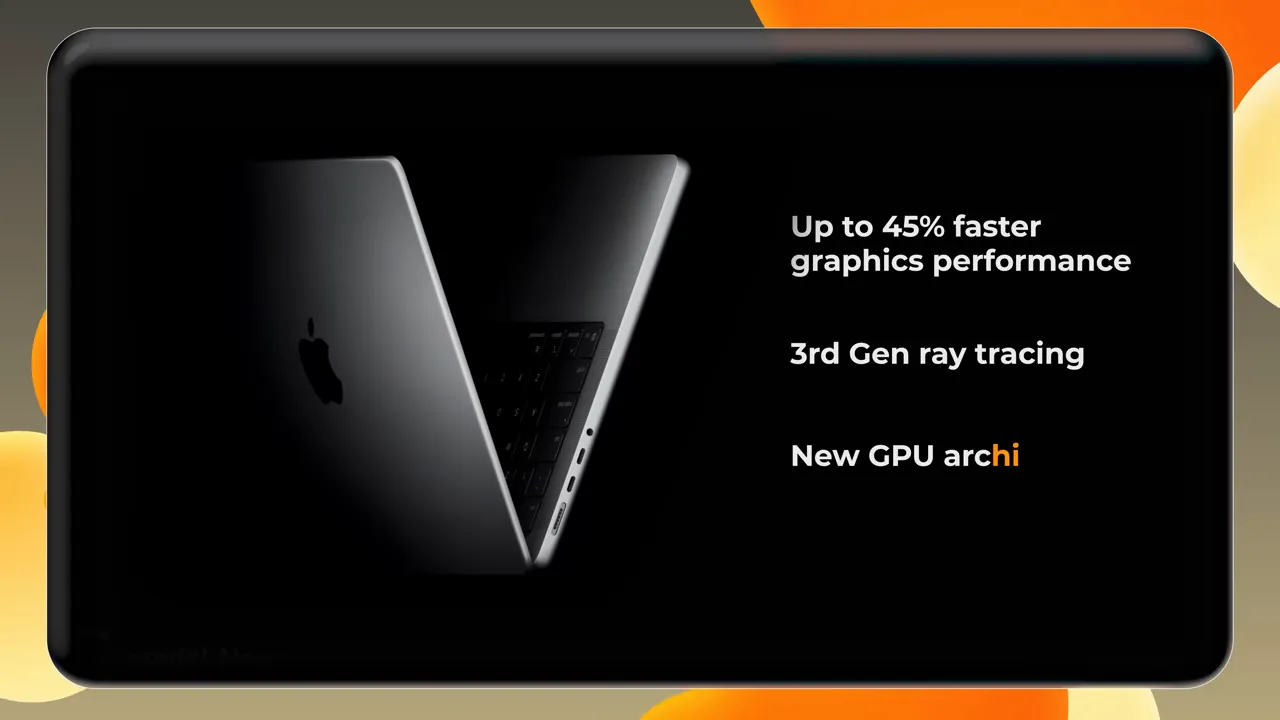
The standard M5 base configuration ships with a 10-core CPU, 10-core GPU, 16 GB of unified memory (the 8 GB base is gone), and 512 GB SSD. For users choosing between M4 and M5, the combination of much faster graphics and better memory performance makes the M5 the smarter buy unless you find a deep discount on leftover M4 stock.
Who Apple is targeting
There are two obvious camps Apple wants to convert with the M5:
- Owners of very old Intel MacBook Pros who have been clinging to machines with poor battery life, limited upgrade options, and older ports.
- M1 users who bought early Apple Silicon machines and are starting to feel the squeeze from heavier workloads and minimal RAM configurations.
Why Intel MacBook Pro owners should seriously consider an upgrade
The generational leap from Intel to Apple Silicon remains one of the most dramatic platform changes in recent laptop history. For Intel MacBook Pro users the benefits are stark:
- AI and GPU performance: Apple claims very large gains—tens of times faster AI and GPU workloads in many cases—making creative and AI-assisted workflows dramatically more comfortable.
- CPU performance: Up to 5.5 times faster in some workloads.
- Battery life: One of the biggest practical wins. Apple Silicon delivers hours more runtime compared to typical older Intel MacBooks that need constant charging.
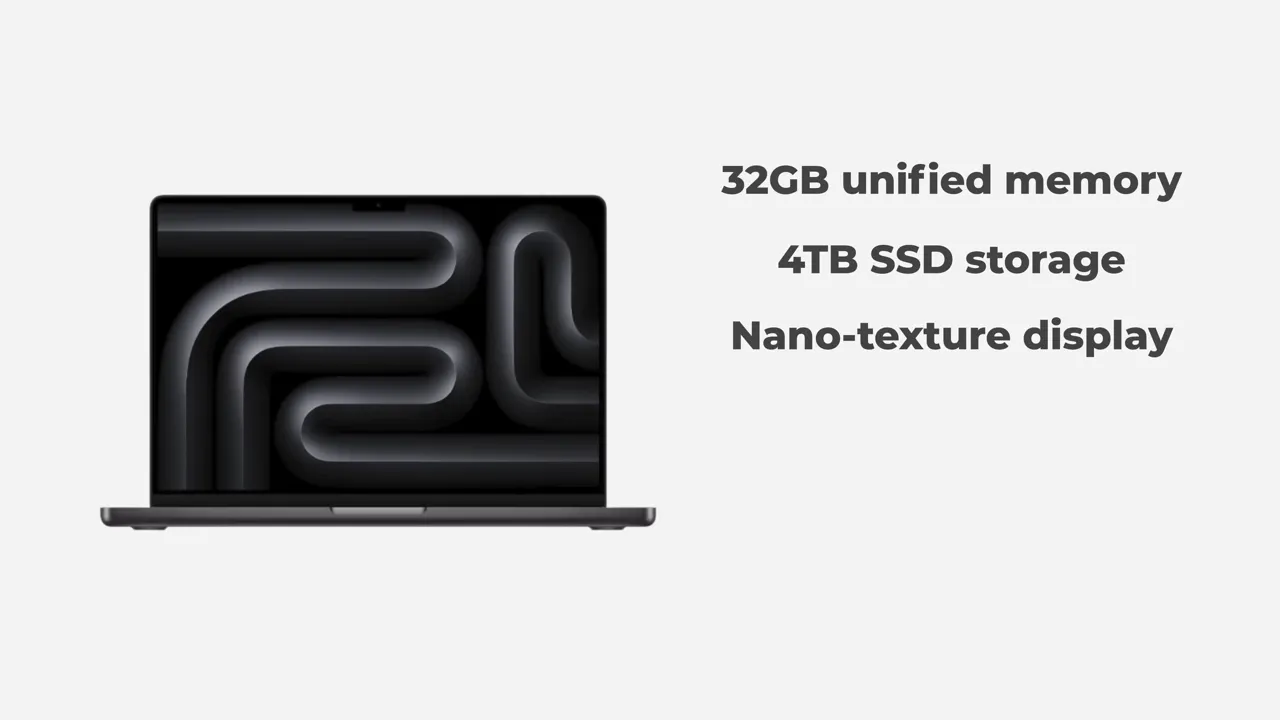
- Modern options: Configurable up to 32 GB unified memory and 4 TB SSD on higher trims—options many older Intel models either lacked or charged a premium for.
If a current laptop struggles to get through the day or is simply feeling sluggish with modern apps, the M5 is a clear upgrade path.
M1 owners: is it time to move on?
The jump from M1 to M5 is not as seismic as Intel to M5, but it is still substantial, particularly if your M1 machine has only 8 GB of unified memory. Key differences:
- Unified memory: M5 models start at 16 GB unified memory. If you have an 8 GB M1 machine, multitasking and pro apps will feel much smoother on an M5.
- GPU and AI: Several times faster GPU with ray tracing support and multiple times faster AI performance.
- Storage and upgrade options: Higher-capacity SSD and memory options are available on M5 machines, giving more headroom for future-proofing.
For many M1 owners, especially those on 8 GB models, the M5 will be a meaningful productivity upgrade. For people on M1 machines with 16 GB and light usage, the case is weaker.

The return of ports and the nano-texture display
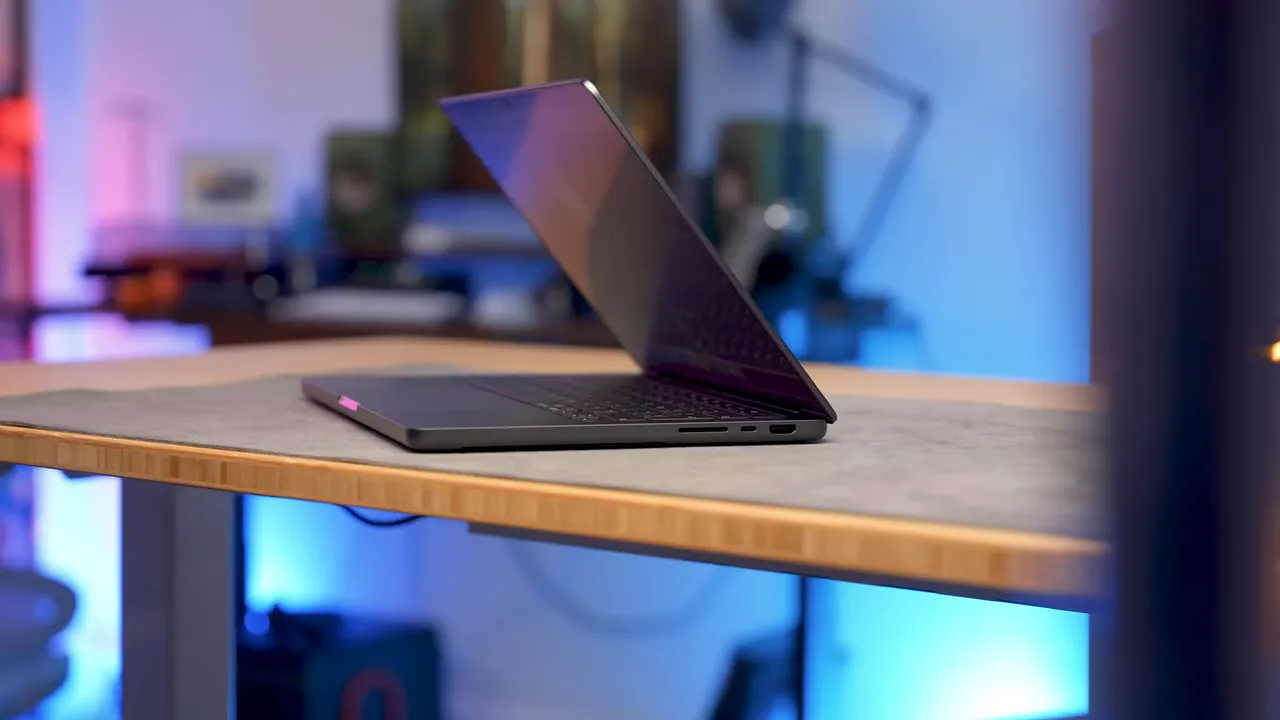
Apple has not only improved the silicon but also kept the practical niceties that matter day-to-day. Compared to the minimal port offerings on some earlier designs, the base M5 14-inch Pro includes:
- Three Thunderbolt ports
- Headphone jack
- MagSafe charging returns
- Full-size HDMI
- SD card slot

The 14-inch display remains a highlight: ProMotion 120 Hz refresh, improved brightness and color, and an optional nano-texture finish that significantly reduces reflections. The nano-texture option produces a subtle matte look and is especially useful for users who work in bright studios or in front of strong lights.
Sponsors and recommended accessories
Mark Ellis recommends against overpaying for internal storage upgrades from Apple and instead suggests investing in external storage solutions. One option highlighted is the UGreen NAS DH2300. Key specs and benefits include:
- Up to 60 terabytes of storage capacity
- One-time purchase price (advertised around £389.99) with no subscription fees
- Network attached storage accessible from phones, laptops, and multiple users
- 4K media hub capabilities and RAID protection
- Quick setup for users new to NAS
There was a limited offer mentioned for a 20 percent discount in October using code DH2300OFF3. Check retailers for current availability and regional pricing.
Who should NOT panic
Two groups do not need to rush out and buy an M5:
- People who recently purchased an M4 MacBook Pro and are now outside the return window. The M4 remains an excellent machine and the M5 gains, while tangible, are incremental for average users.
- Owners of recent MacBook Air models such as the 13-inch M4 MacBook Air. If the Air matches your workflow and you like its portability, you likely chose the right machine.
In short, buy the laptop that fits your work style. The M5 is compelling, but not required for everyone.
Final verdict
The base model M5 MacBook Pro continues the trend of delivering the best balance of performance, battery life, display quality, and practical connectivity for most users. It is particularly transformative for anyone still on Intel, and an appealing upgrade for M1 owners stuck on 8 GB machines. For recent M4 or M3 buyers, there is no need to panic.
For readers who prefer to watch the original review, the creator can be found at the channel link below:
Adapted for readers by #teamHJB — turning great videos into even better reads.

Be the first to comment